
Free cheats
for Linux
LinusWare is a free nonprofit cheat project for Linux games, including Roblox under Sober and Mocktail.
01 — Showcase
Menu showcase
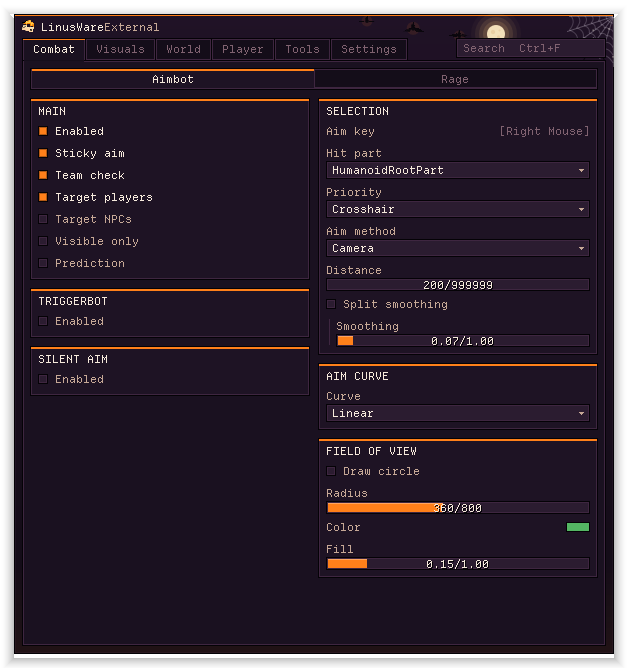
02 — Tactical map
Full 3D tactical map
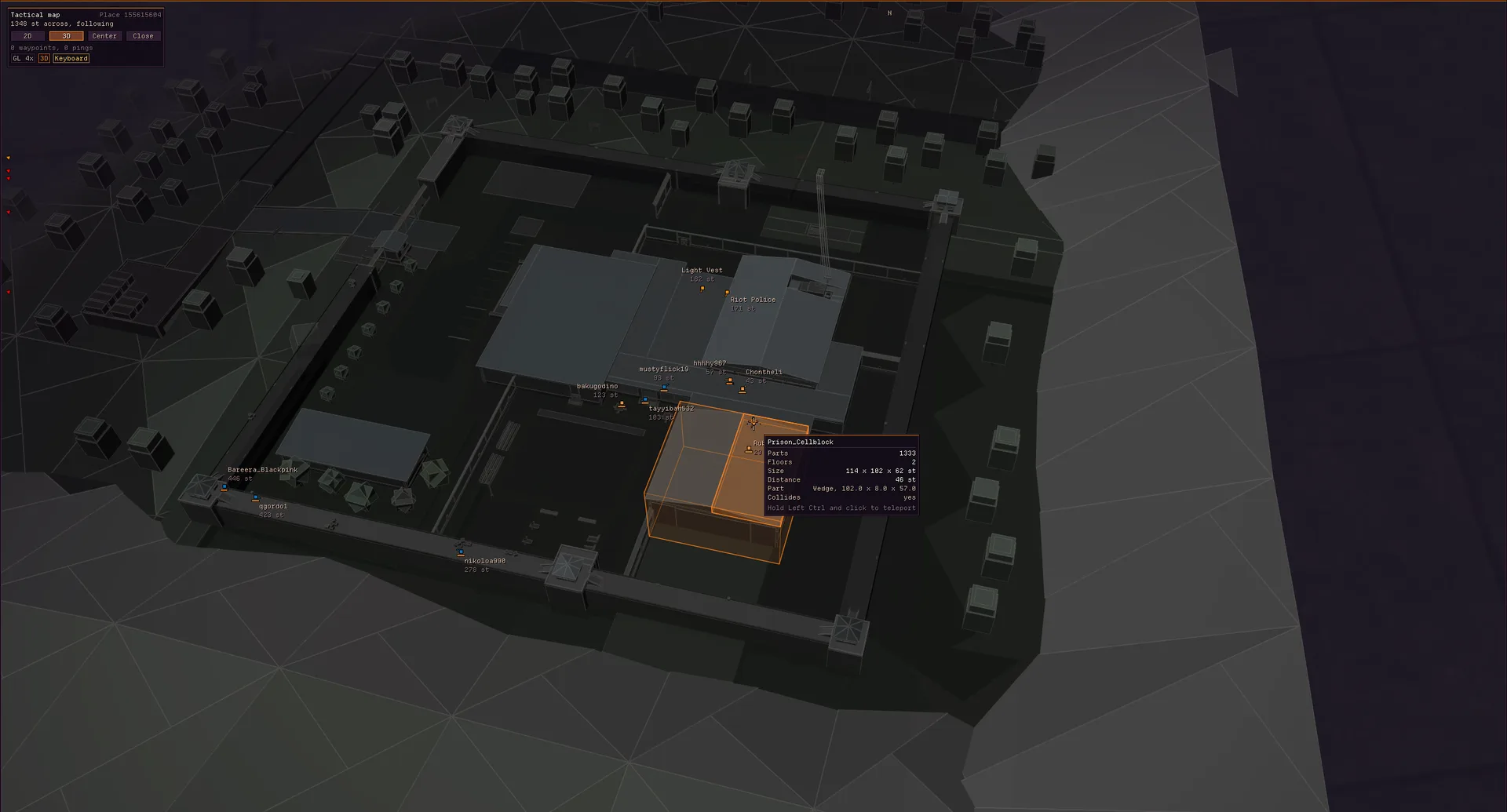
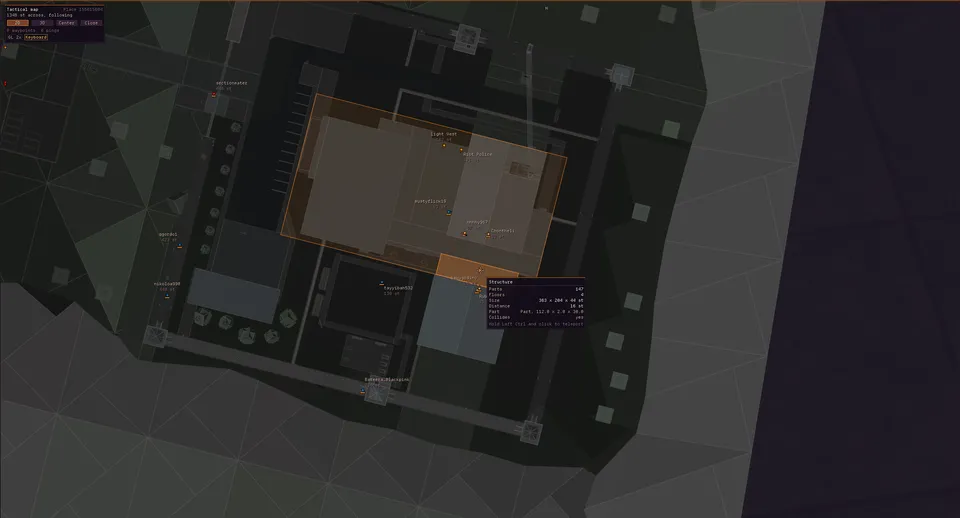
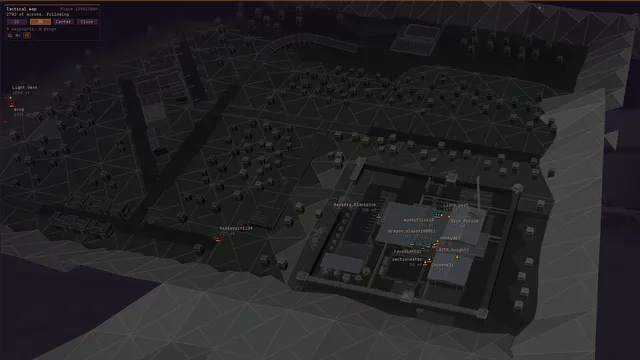
- 2D and 3DSmooth switch
- TeleportClick a player or spot
- PingsMap and in world
- WaypointsSaved per place
- Hover cardsPlayers, buildings
- GPU buildingsEvery part, MSAA
- Right-clickTeleport, ping, mark
- NumpadFull key control
03 — Chams
Best mesh chams in any external
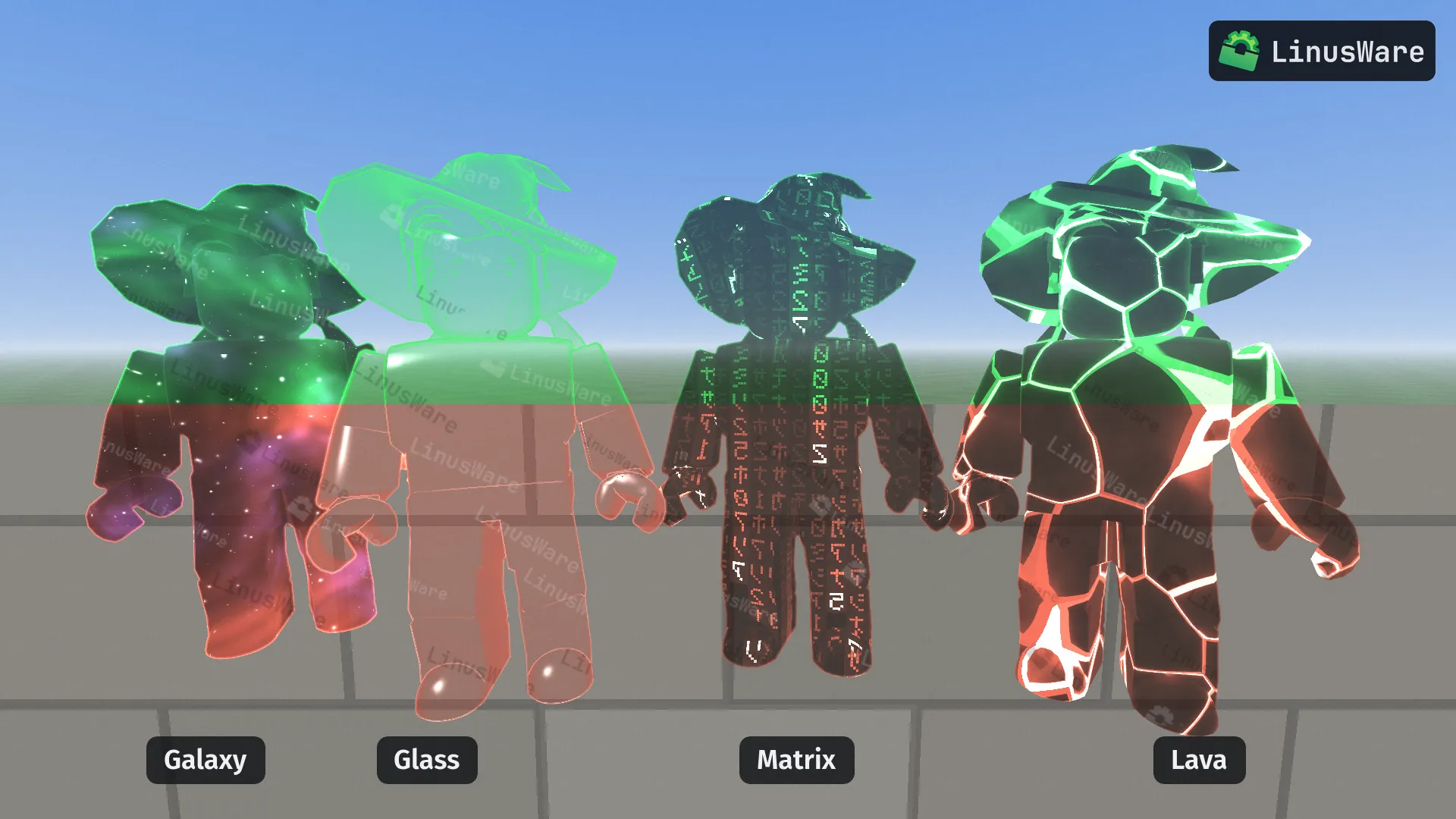
- FlatSolid color
- GalaxyStars, nebula
- GlassRim, glints
- PlasmaFilaments
- GlitchBlock bursts
- TopoContour lines
- HologramScan lines
- WireframePulsing lines
- LavaCracked crust
- MatrixFalling glyphs
- ChromeHighlights
- RainbowFlowing bands
- EnergyGrid, sparks
- ToonBands, rim
- ImageYour PNG/GIF
- HalloweenMist, bone glow
04 — Roblox
Every feature
Combat
Aimbot
- Main
- EnabledSticky aimTeam checkTarget playersTarget NPCsVisible onlyPrediction with amount
- Selection
- Aim keyHit part: HumanoidRootPart, Head, Best visible or any part by namePriority: crosshair or playerAim method: camera or mouseDistanceSmoothing, or split horizontal and vertical
- Aim curve
- LinearCubic bezierHermite splineCatmull-RomTime, bend and randomnessLive preview of the path
- Field of view
- Draw circleRadiusColorFill
- Triggerbot
- Trigger key or always onTap or holdTeam checkPlayers and NPCsVisible onlyHit partDistanceReaction min and maxTap cooldown
- Silent aim
- Key or always onMethods: All, Raycast, FindPartOnRay, Camera rays, Mouse.Hit, Magic bullet, RedirectionRedirect coneFOVHit chanceShow FOV
Rage
- Rage
- Rage keyTarget by crosshair or playerPuts you above and behind the target while held, then back
- Hitbox expander
- PlayersNPCsPart: HumanoidRootPart, Head or any part by nameSize
- Anti-aim
- Spin with speedJitter with angleBackwards
- Desync
- FreezeFakelag with choke and send timesKey or always onShow server positionLive physics send rate
Visuals
ESP
- Targets
- PlayersNPCsTeam checkIgnore deadMax distance
- Elements
- Boxes3D boxesSkeletonsNamesHealthPenis with length, width, ball size and spacingOffscreen arrows with radius, size and distance
- Colors
- Team colorEnemyTeamNPC
- Visibility
- Visible checkColor by visibilityHide hidden
- ESP glow
- SpreadStrengthCustom color
- Unknown rigs
- Fallback for non-standard rigsMin partsMax extent
- Custom paths
- ESP on any path, like Npcs.TeamAOn/off and color per pathYOU tag on your own team
- Preview
- Live 3D render of your own avatar with your ESPDrag to turnEnemy, team and NPC views
Chams
- Type
- Mesh, drawn on the real body shapeHighlight, drawn by Roblox
- Materials
- FlatGalaxyGlassPlasmaGlitchTopoHologramWireframeLavaMatrixChromeRainbowEnergyToonImageHalloween
- Material settings
- Speed, size, strength and color for each materialGalaxy: drift speed, star size, star brightness, nebula color
- Image
- Your own PNG, JPG, BMP or GIFGIFs animateChoose and reload
- Colors
- Team colorsVisible and hidden colorsLocal player with its own color
- Look
- Fill alphaOutline with colorGlow with size and alphaPredict motion
HUD
- Crosshair
- Cross or starColorCenter dotSpin with speedLengthGapThicknessLive preview
- Watermark
- SizeStar color
- Bullet tracers
- ColorDuration
- Hit log
- “Hit <name> in the Head for 35 (65 left)”Kill lines
- Hit sound
- Built-in or your own .wav, .ogg, .mp3, .flac or .opusVolumeTest
Lighting
- Lighting
- FullbrightAmbience with color, strength, saturation and contrastBloomNight
World
Radar
- Minimap
- CornerSizeOpacityRotate with cameraRange limits3D view with pitchMove and resize it on screen while the menu is open
- Layout
- A miniature of your screen to drag and resize the radar on
- Layers
- PlayersNPCsTeammatesNamesDistanceHealth barHeadingTrailsBuildings with detail, quality and part budget
- Floor slices
- Off, auto or alwaysHeight above feetGhost floors
- Style
- Range ringsESP colorsPart tintDeath effectSpotted pulseStatus chips
- Tactical map
- Full-screen 2D and 3D map with GPU-drawn buildingsPan, zoom and orbitClick a player or a spot to teleport, checked firstPingsHover cardsNumpad controls
- Waypoints
- Saved per placeAdd, rename and deleteShown on the map, the minimap and in the world
Players
- Whitelist
- Friends are skipped by aimbot, triggerbot and hitbox expanderFriend colorsESP and color per friend
- Player list
- HealthDistanceNPC, team, enemy or friend badgeClick to teleportRight-click to whitelist
Player
Movement
- Movement
- Walk speedJump powerInfinite jump
- Click teleport
- KeyMax distance
- Fly
- KeySpeed
- Noclip
- Key
- Timescale
- Key0.1x to 10x
Character
- Camera
- Third person, also in first-person gamesDistanceNoclip cameraGame FOV
- Protection
- Anti-AFKAnti-fling
- Animations
- 23 packs, from Astronaut and Cartoony to Vampire and Zombie
- Looks
- HeadlessNeon with color
- Name spoof
- Fake name on the leaderboard, name tag, chat and menusOnly on your screen
- Status
- Health meter
Tools
Scripts
- Scripts
- Every .luau and .lua file in your folderToggle, reload and rescanSettings, windows and a console per script
- Editor
- CompletionSignature helpHover docsLive diagnosticsFindGo to lineGo to definitionAuto-close and auto-indentF5 saves and runs
- Docs
- The scripting guide and API reference, searchable, inside the menu
- AI access
- MCP for Claude Code, Codex, Cursor, Claude Desktop, Gemini CLI and WindsurfOne-click setupAllow AI access and Allow AI actions switches
- LSP
- linusware --lsp for your own editorType definitionsLint from the terminal
Explorer
- Explorer
- Search by name or class:PartLive instance treeEdit propertiesJump through referencesTeleport to partsSpectate
- Decompiler
- Any client script to Luau or bytecodeDump every script in the place
Remotes
- Remote spy
- Outgoing and blockedFilterPauseBlock and unblockArguments with their typesCopy any call as lw.fire(...)
Settings
Config
- Menu
- Menu keyOpacityPlain or Halloween themeAccent colorFalling ratsSearch with Ctrl+FCtrl+1 to 6 for tabs
- Overlay
- Hide from capture on KDEResolution overrideOffsetsFPS cap
- Panic
- Panic keyEject: everything off, the game restored, LinusWare closed
- Configs
- Save, load and updateLast config on startPer-place configs that save as you playBind a config to a game
- Discord
- Rich presence with the game
- Usage
- Usage ping: a random install id once a day
Extras
Under the hood
- Clients
- Sober (Flatpak) and MocktailClient pickerOffsets read from the running build, so new Roblox builds keep workingSober is switched to XWayland on Wayland
- Launcher
- Install, update and launchMD5-checked downloadsUpdates itselfUpdate on startChangelog
- MCP tools
- game_infolist_playersexploresearchget_propertiesdecompilerun_luauscriptsscreenshotremotesfire_remotenotify